Requesting an Ad Format
Use thead_formats field in your bid request to specify which formats your integration can render. The server picks the best match and the response includes an ad_format field confirming what was returned.
When ad_formats is omitted, it defaults to ["sponsored_message"] for contextual requests and ["sponsored_prompt"] for opener requests.
Sponsored polls are contextual-only. Request them only with request_type: "contextual" and never on opener placements.
Available Formats
The legacy spellings
sponsored_message and sponsored_poll remain accepted in ad_formats; responses currently echo them in ad_format for the card and poll.
Use the ad_format field in the response to determine which format was returned and render accordingly.
Sponsored Message
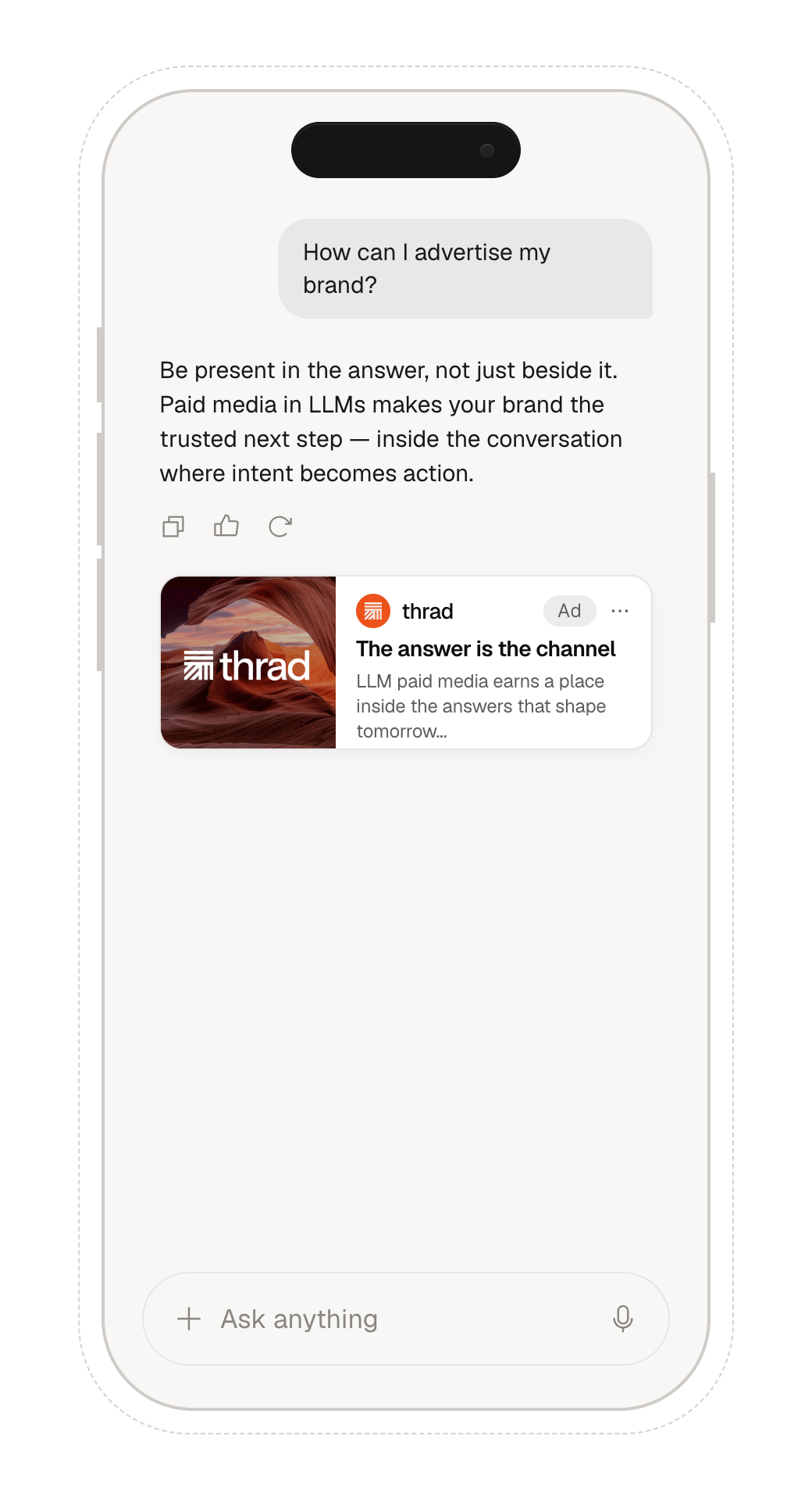
A native ad card displayed inline in the conversation. Includes a headline, description, brand visuals, and a call-to-action. The card has two render modes, declared by the server in theplacement field. When placement is missing, treat it as "text".
text — compact card with the advertiser logo only. The response includes logo_url; image_url is absent. Forced when config.image_enabled=false, when no product photo is available, or when the DSP chooses text mode.
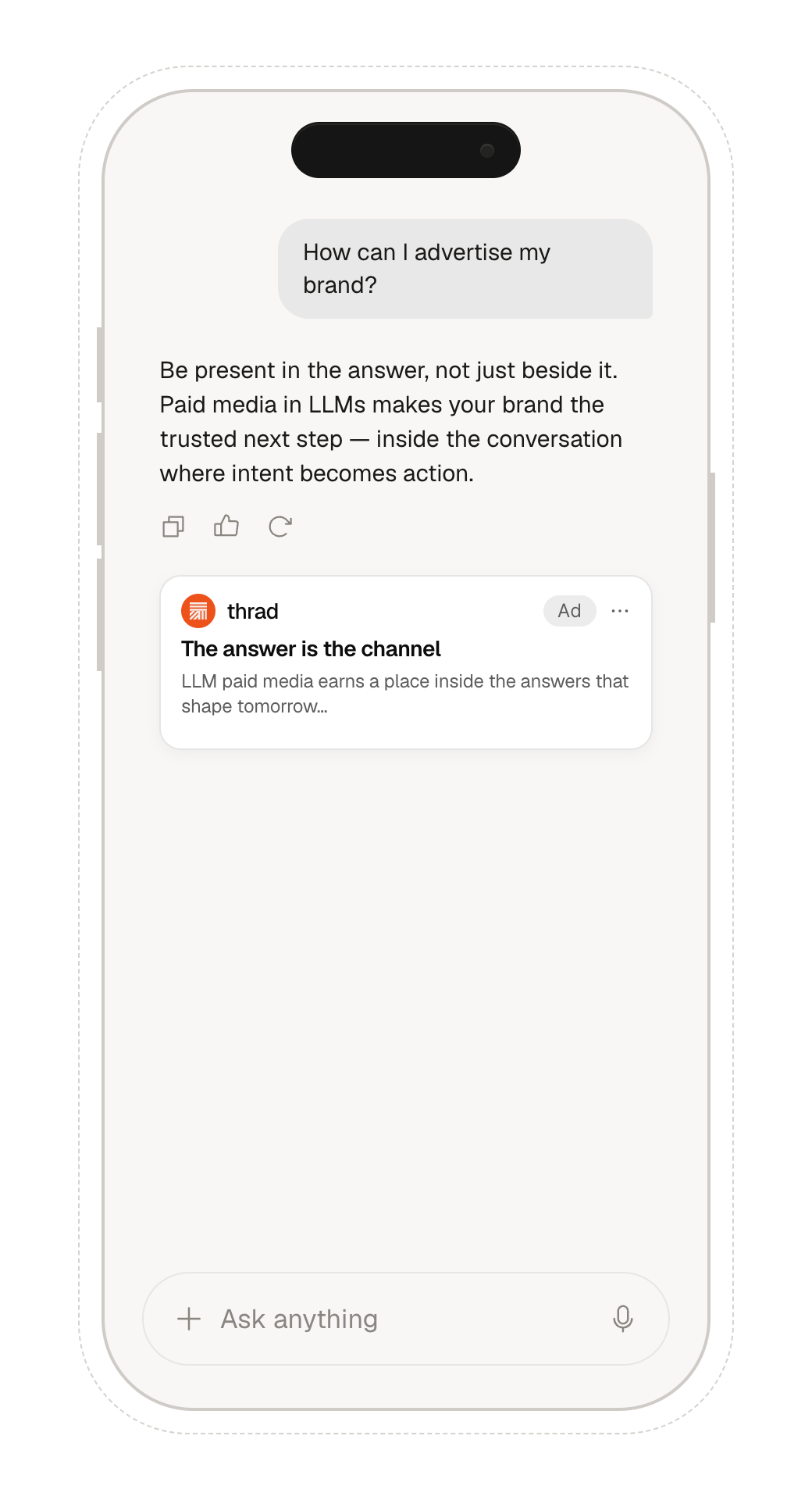
image — full card with a hero product photo. The response includes image_url; logo_url may also be present alongside.
ad_format, advertiser, domain, headline, description, cta_text, url, placement, logo_url, image_url, restricted_click_area, view_url
Sponsored Prompt
Coming soon — contact us at contact@thrad.ai for early access.
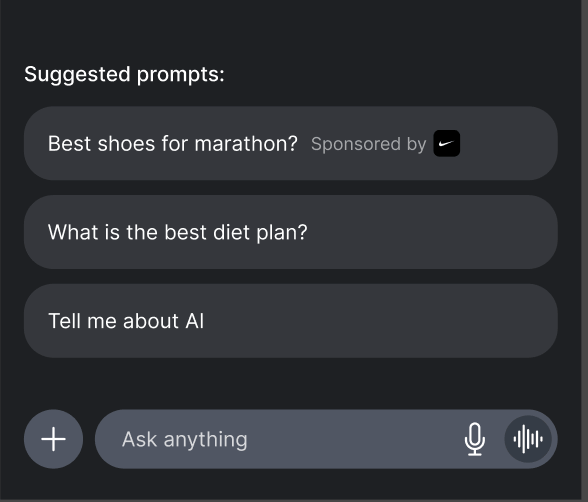
Sponsored prompt in a chat interface
ad_format, advertiser, sponsored_prompt, url, logo_url
The response returns an array of bids, each containing a sponsored prompt:
Carousel
A horizontally scrollable strip of 3–5 product cards from a single advertiser. Each card shows a product title, image, and optional price, and is its own click target; the strip shares one brand logo and one sponsored label.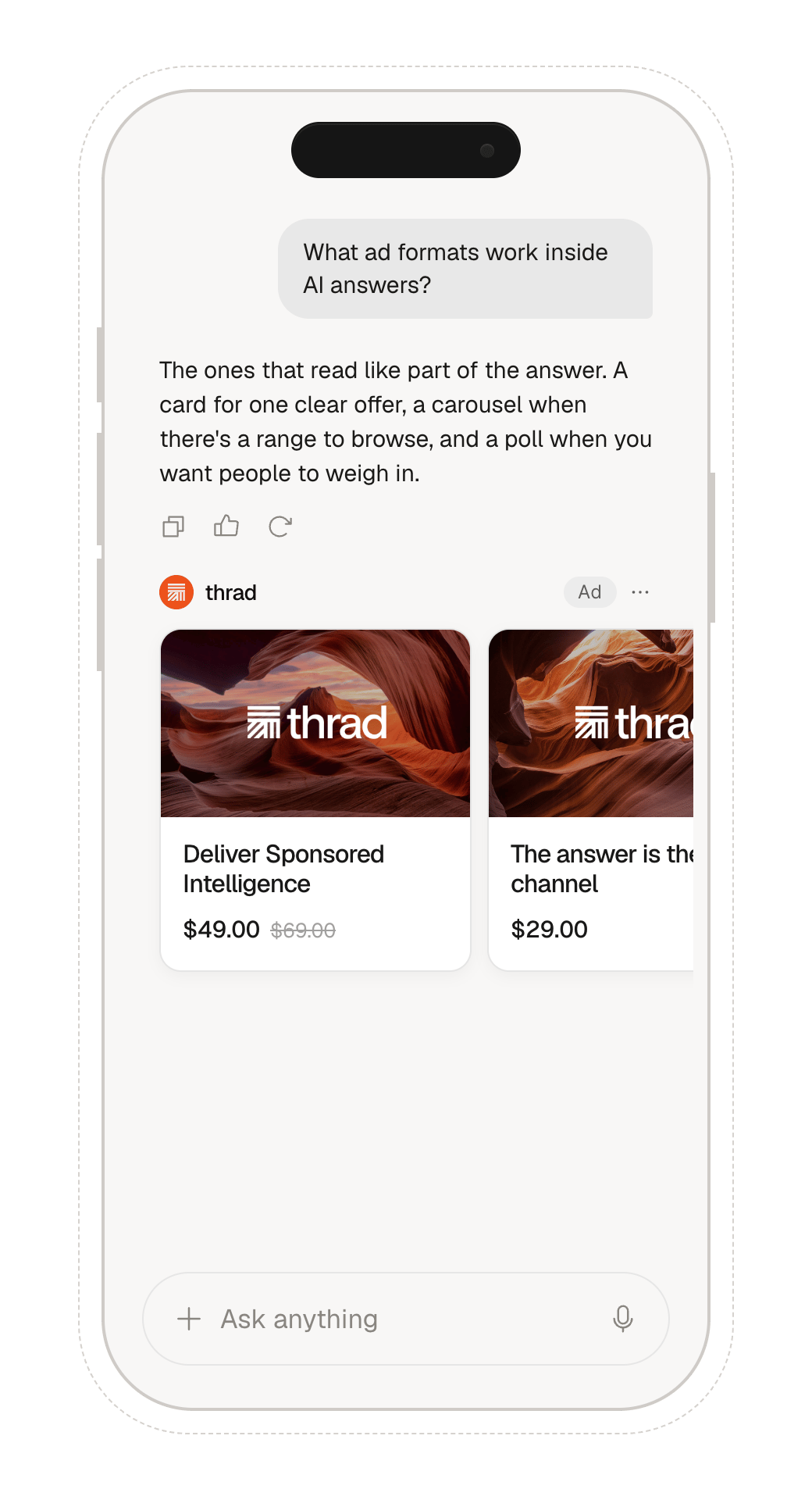
Sponsored carousel in a chat interface
ad_format, advertiser, domain, logo_url, view_url, items
Rendering rules:
- Render items left-to-right in the order given. You may truncate trailing items if space demands; never reorder.
- Items are always currently-servable products — render what you receive without caching across requests.
Sponsored Poll
An interactive poll sponsored by an advertiser. Sponsored polls are contextual-only and appear in the same mid-conversation inventory path as sponsored messages. They are not opener or pre-chat inventory.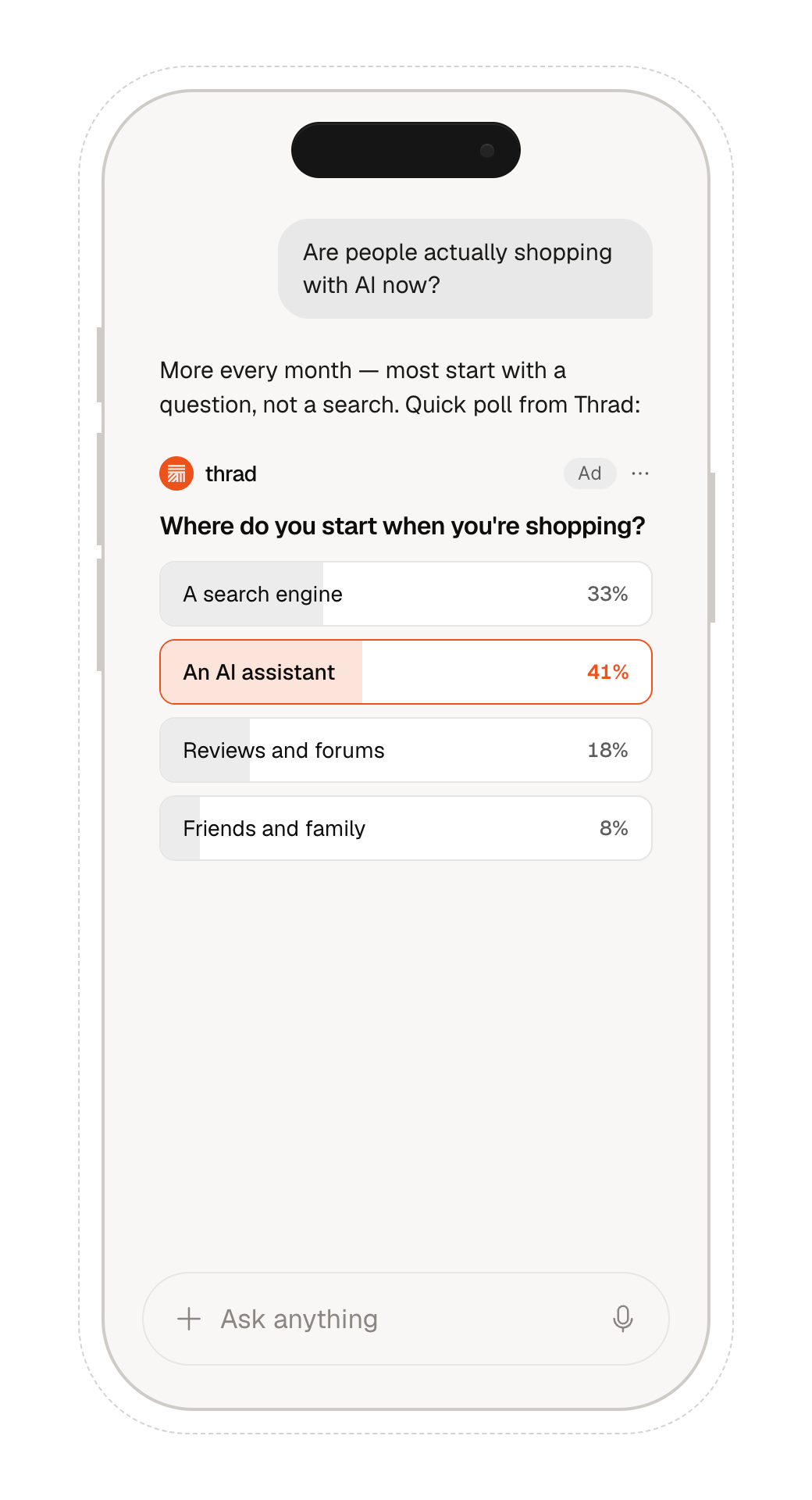
Sponsored poll in a chat interface
ad_formats on a contextual bid request:
Poll-only contextual request
Mixed contextual request
sponsored_message and sponsored_poll, Thrad first selects the winning campaign through the normal contextual auction. After a campaign wins, campaign delivery settings determine whether the returned creative is a message or poll.
Response fields: ad_format, price, sponsored_poll_id, advertiser, domain, logo_url, question, options, vote_url, results_url, cta_text, cta_url, redirect_after_vote, results, dsp, bidId
Sponsored polls do not return a standalone
view_url field. The impression
pixel is embedded inside cta_url as a view_url query parameter (alongside
thrad_view_url) — parse it out and fire it when the poll becomes visible. When
a poll has no click-through, cta_text/cta_url are omitted and view_url is
returned as a top-level field instead. See Billing & Viewability.Poll Rendering
Render poll options as buttons or equivalent controls. Do not wrap the whole poll card in an advertiser click link; option clicks must call the signedvote_url.
Response Handling
No Bid Response
A
200 OK response with "bid": null is not an error. It means the auction ran successfully but no DSP submitted a winning bid. This is normal behavior and should be handled gracefully in your UI.